
Your documents.
Actually accessible.
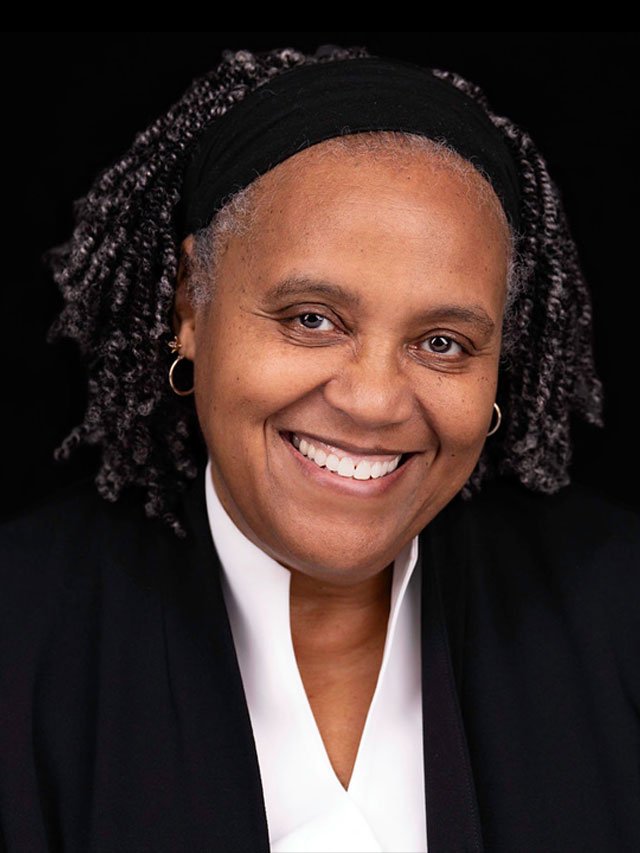
Bring your real files. We fix them together — and train you to handle the next ones yourself. 30+ years of federal Section 508 and accessibility experience. Your actual Word, PowerPoint, and PDF documents, not generic examples.
Years federal accessibility
IAAP-certified specialist
& WCAG 2.1 AA compliant output
Your real docs, not examples
Services
Training sessions use your actual documents — not generic exercises. Remediation is a done-for-you deliverable: you send the file, I return it compliant.
Word Accessibility Training
Headings, styles, alt text, reading order, color contrast. Trained on your actual document, in Zoom.
PowerPoint Accessibility Training
Slide titles, reading order, accessible tables, images. Your deck, explained and fixed in session.
PDF Accessibility Training
Acrobat Pro hands-on: Accessibility Checker, manual tag repair, tables, forms, bookmarks. Your PDFs.
PDF Remediation
Done-for-you. You send the PDF, I return it fully remediated and WCAG 2.1 AA compliant with an accessibility report.
Word / PPT Remediation
Done-for-you. Send your document, get back a properly structured, accessible file ready for publishing or conversion.
Group / Team Training
Up to 6 people, work on your team documents and templates. Custom quote. Virtual only.
Bring Your Own Document (BYOD)
You send me a real document from your actual work before the session. I review it and identify the issues. We fix it together — you leave with a more compliant file and the skills to handle the next one.
Upload your document when you book — 48 hours before the session
I review it and map out the accessibility issues in advance
We fix it together live, or I deliver a remediated file
You leave with a compliant document and a checklist for future ones
Pricing
Training is billed by the hour — pay at booking via TidyCal. Remediation is priced by the page — request a quote and I’ll respond within 1–2 business days.
Training — Hourly · Book via TidyCal · Payment at bookingWord Accessibility Training
$150per hour · virtual via Zoom
✓ Work through your actual Word document
✓ Headings, styles, alt text, reading order, contrast
✓ Session recording provided
✓ Compliance checklist included
POWERPOINT Accessibility Training
$150per hour · virtual via Zoom
✓ Work through your actual presentation
✓ Slide titles, reading order, tables, charts
✓ Session recording provided
✓ Compliance checklist included
PDF Accessibility Training
$150per hour · virtual via Zoom
Most booked✓ Hands-on with your PDFs in Acrobat Pro
✓ Accessibility Checker, tag repair, tables, forms
✓ Session recording provided
✓ Acrobat Pro required on your end
Group / Team Training
$4002-hour session · up to 6 people
Structured group training for up to 6 people. Everyone works from the same document so the session stays focused and the learning sticks. Participants who need hands-on work with their own files can follow up with a 1:1 session. Custom quote.
PDF — Standard
$10per page
✓ Running text, simple layout
✓ Minimal images or tables
✓ Tags, alt text, reading order
✓ WCAG 2.1 AA delivery
✓ Accessibility report included
PDF — COMPLEX
$15per page
✓ Multi-column, tables, charts
✓ Forms, mixed content layouts
✓ Tags, alt text, reading order
✓ WCAG 2.1 AA delivery
✓ Accessibility report included
PDF — Scanned
$18per page
✓ Image-only / scanned documents
✓ OCR + full remediation
✓ Tags, alt text, reading order
✓ WCAG 2.1 AA delivery
✓ Accessibility report included
Word — Remediation
$75standard doc up to 20 pages
✓ Heading structure, styles, alt text
✓ Reading order, color contrast
✓ Section 508 / WCAG 2.1 AA
✓ Quote provided for longer docs
powerpoint — Remediation
$75standard deck up to 20 slides
✓ Slide titles, reading order, alt text
✓ Accessible tables and charts
✓ Section 508 / WCAG 2.1 AA
✓ Quote provided for longer decks
Large Document Bundles
any format · any volume
✓ 25+ pages or 20+ slides
✓ Multi-document projects
✓ Policy / procedure libraries
✓ Response within 1-2 business days
Most documents can be fully remediated to WCAG 2.1 AA. Occasionally a document has constraints — heavily scanned content, complex infographics without source files, or third-party embedded content — that prevent complete conformance. When that happens I’ll tell you before I start, document exactly what was achieved and what couldn’t be fixed, and recommend a path forward. You’ll never receive a file without a clear explanation of its accessibility status.
All remediation starts with a quote. Send me your document and I’ll classify pages by complexity tier and respond with a firm price within 1–2 business days. Larger projects (over 25 pages or slides) may take longer to quote accurately. Minimum charge $75 applies to all remediation projects.
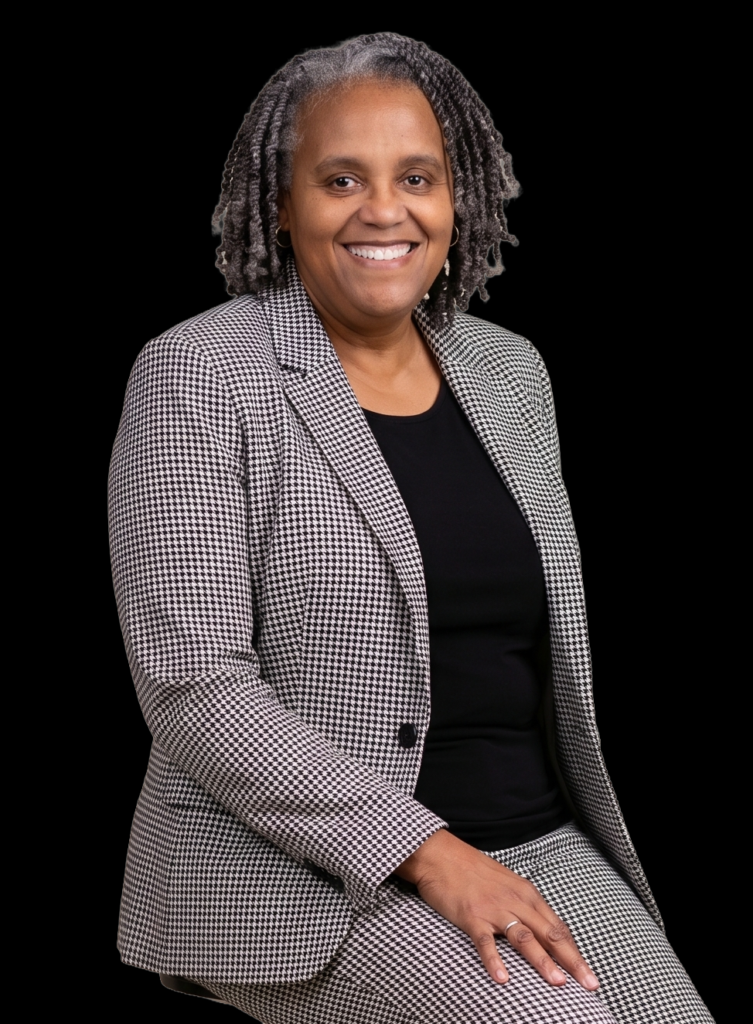
Myra L. Coffield
Accessible Document Specialist · MLC Premium Solutions, LLCI spent 30+ years in the federal government creating Section 508-compliant electronic documents. I’m not a consultant who learned accessibility from a course — it was my job, every day, for three decades.
Now I work with nonprofits, small businesses, and organizations who need their documents to actually be accessible — not just checked by a scanner. If you’ve ever exported a PDF and hoped for the best, I’m who you call.
Virtual sessions nationwide via Zoom.Book a Training Session
Select a time via TidyCal. Payment collected at booking. Document upload required 48 hours before your session. For remediation quotes, use the contact form below.
Get in Touch
sessions
Virtual via Zoom · Nationwide
payment
Training: collected at booking · Remediation: invoice on delivery